Open your parts
Import SVG or text DXF files. Check the dimensions and import findings before setting quantities.

Sheet layouts for laser, CNC and plasma
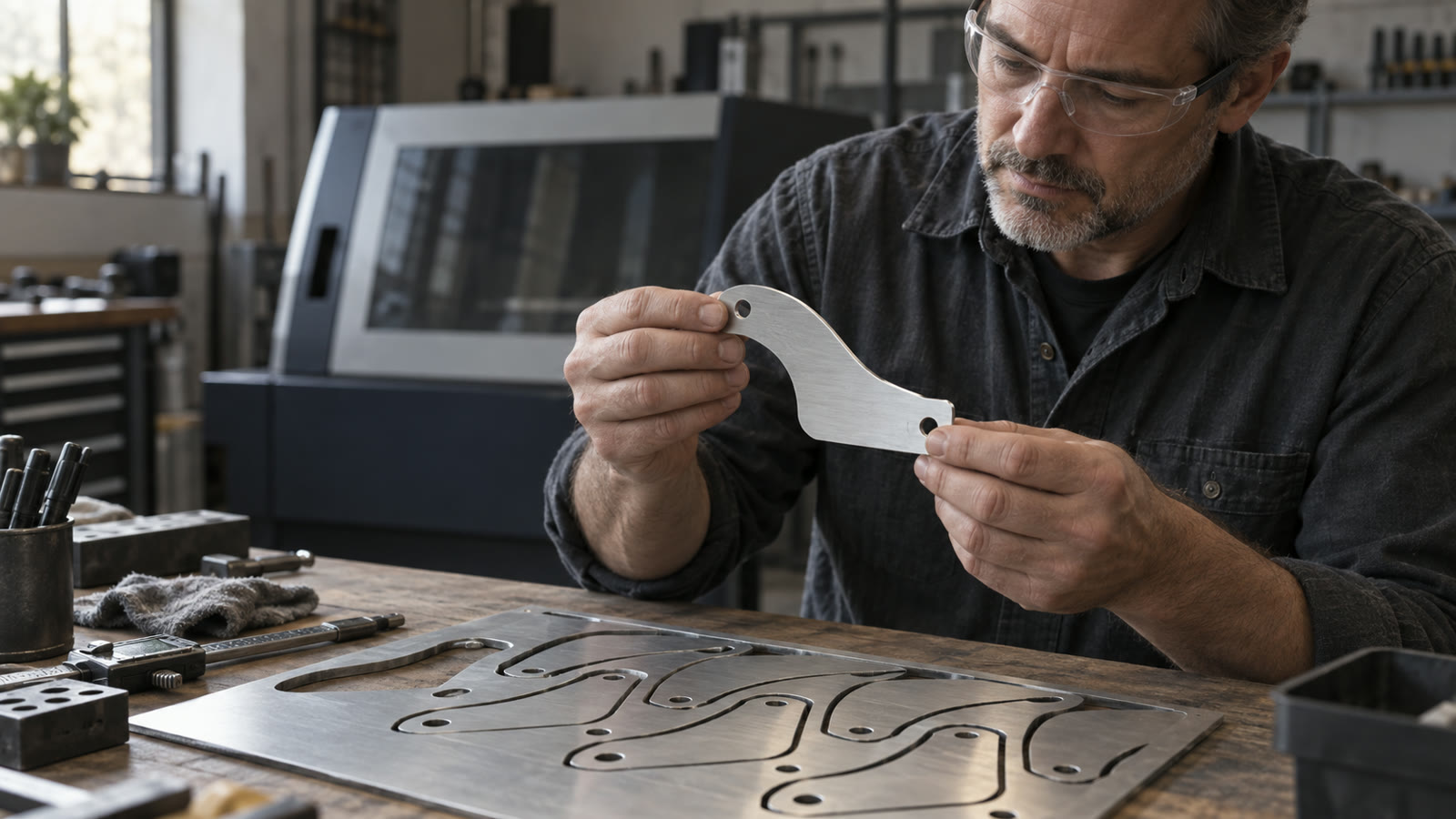
NestForge arranges SVG and DXF parts using their actual outlines, with the spacing and rotation rules your material needs. Review the layout in your browser, then export it for your cutting software.
Nest and check jobs of any size for free. Export is free up to 10 parts, counting copies, on one sheet.
Import parts, set sheets and spacing, follow progress and export the cutting layout. Actual example: 24 parts across three sheets. No audio.
Open MP4 videoImport SVG or text DXF files. Check the dimensions and import findings before setting quantities.
Enter sheet size, margins, kerf and minimum spacing. Choose the allowed rotations, mirroring and grain direction for each part.
Run the nest, inspect the layout and validation report, then export DXF, SVG or a PDF cut sheet.

Concave parts can fit around each other. Suitable parts can also sit inside another part's cutout, subject to your spacing and kerf settings.
Set rotation choices, optional mirroring and grain constraints. The layout check includes the direction rules you've assigned.
Review utilization and checks for overlap, margins and spacing. The full license supports jobs across multiple sheets.
NestForge prepares layouts; it doesn't generate toolpaths, feeds, speeds or G-code. Import SVG or text DXF, rather than DWG or binary DXF. Check the reported dimensions and test an export in your own cutting software. Results depend on your parts, material settings and allowed rotations.
If a DXF import reports open contours, inspect the geometry before planning sheets. Small gaps may be repairable after checking the intended shape. Check the DXF contour-gap guide
Try the free version. A license extends it for larger jobs.
0 €
49 €
One-time purchase for version 1
End prices include applicable taxes. One-time purchase for version 1.
Load it in the app: calculating and viewing are free at any size. If you want help setting it up or checking the result in your laser or CAM workflow, tell us about your job. We can go through a representative example together before you buy.
Calculating and viewing are free at any size, with no time limit. The limit only applies to export: up to 10 parts on one sheet, and each copy counts as a part. Exporting larger jobs requires the full license.
Import SVG or DXF R12, 2000 and 2007 in text format. Export layouts as DXF or SVG and cut sheets as PDF. Convert DWG or binary DXF to text DXF before importing.
Yes, once the app and its assets have loaded and are cached. Import, nesting, export and license verification run locally in your browser. Your design files aren't uploaded for processing.
NestForge exports DXF and SVG for your cutting software to process. Use the free tier to test your own files through the full workflow, including dimensions and kerf. Machine setup and toolpaths stay in your cutting software.
No. The one-time purchase covers NestForge v1 and its v1 updates. The purchased version doesn't expire. Any applicable VAT or sales tax is shown in the checkout total.
Existing measurements from the NestForge documentation.
We benchmark on the ESICUP academic instances (the standard test set for irregular nesting) and against current versions of the free tools people actually use. Every published row carries its random seed, so you can reproduce it, and every layout behind a number has passed the independent validator. A layout that fails verification is not counted.
| Instance | Parts | Best length L | Utilization | Effort | Seed | Time | Validator |
|---|---|---|---|---|---|---|---|
| albano | 24 | 10400.4 | 83.70% | standard | 42 | 16.9 s | ✓ passed |
| dagli | 30 | 61.1 | 82.78% | standard | 42 | 23.8 s | ✓ passed |
| dighe1 | 16 | 122.3 | 81.78% | standard | 1337 | 4.9 s | ✓ passed |
| dighe2 | 10 | 111.9 | 89.36% | standard | 1337 | 0.9 s | ✓ passed |
| fu | 12 | 33.0 | 86.35% | standard | 1337 | 1.0 s | ✓ passed |
| jakobs1 | 25 | 13.0 | 75.36% | draft | 42 | 2.3 s | ✓ passed |
| jakobs2 | 25 | 28.0 | 68.91% | standard | 9001 | 6.5 s | ✓ passed |
| shapes0 | 43 | 65.5 | 60.89% | standard | 1337 | 43.6 s | ✓ passed |
| shapes1 | 43 | 62.5 | 63.81% | standard | 42 | 50.6 s | ✓ passed |
| shirts | 99 | 63.7 | 84.75% | standard | 42 | 229.8 s | ✓ passed |
| swim | 48 | 6431.6 | 68.77% | standard | 9001 | 97.0 s | ✓ passed |
| trousers | 64 | 247.9 | 87.84% | standard | 42 | 54.4 s | ✓ passed |
Best validated run per instance: 3 seeds (42, 1337, 9001) × 2 effort levels, 72 runs total, all 72 validator-green. Metric: strip length L at the instance's fixed width, smaller is better; utilization = part area ÷ (width × L). Kerf, spacing and margin are 0 (the semantics used in the nesting literature). Instances: the 12 classic ESICUP datasets (CC0). Measured single-threaded on an Apple-Silicon laptop.
Identical inputs, spacing 0 and identical allowed rotations against SVGnest (live version) and deepnest-next v1.5.6, scripted on the same machine. Both tools are seedless, so each got repeated runs and at least as much wall time per instance as our slowest run there, never under 60 s; their best result counts, and deepnest-next ran with its 4 worker threads while NestForge is single-threaded. On 9 of 12 instances NestForge's best validated run beats both. The honest remainder: SVGnest wins jakobs2 (27.4 vs. our 28.0) and trousers (241.9 vs. our 249.4), jakobs1 is a tie at 13.0, and deepnest-next trailed on all twelve.
We ran every competitor layout through the same independent validator that gates our own numbers. Of 24 SVGnest runs, 2 passed the exact violation-free check; of 24 deepnest-next runs, 0. Ours: 72 of 72. The violations are tiny (1e-6 to 1e-5 instance units, floating-point rounding) and often harmless in practice, so those results still count fully in the comparison above. What they show is a difference in guarantee: our layouts are machine-proven, theirs are not.
All 53 deliberately malformed files in our test corpus end in a named error or an import with explicit warnings; 0 crashes. On the same dirty subset, the other tools often throw unhandled exceptions or import nothing without a message; deepnest-next converts DXF through an online service by design, so its DXF import needs a network connection. NestForge imports everything locally, offline.
Every row above carries its seed, and effort levels are fixed iteration budgets: same input, same seed, same layout. Published academic best values are a different game (hours-long runs with exact NFP databases); we compare runnable free tools under identical, documented conditions, and the methodology, including its limits, is written down with the numbers. We don't publish results we can't prove.
