Import the outlines
Open closed SVG or DXF outlines, or select a page from a supported vector PDF. Choose the contours you need, set quantities and add mirrored partners.

Fabric planning for sewing projects
Plan your fabric layout using closed pattern outlines from SVG, DXF or supported vector PDFs. Set quantities and grain direction, place pieces on the fold and align stripes, checks or image repeats using your own reference points. Files stay in your browser.
Plan and export up to 10 fabric pieces for free, counting copies and mirrored pieces; larger projects require a license.
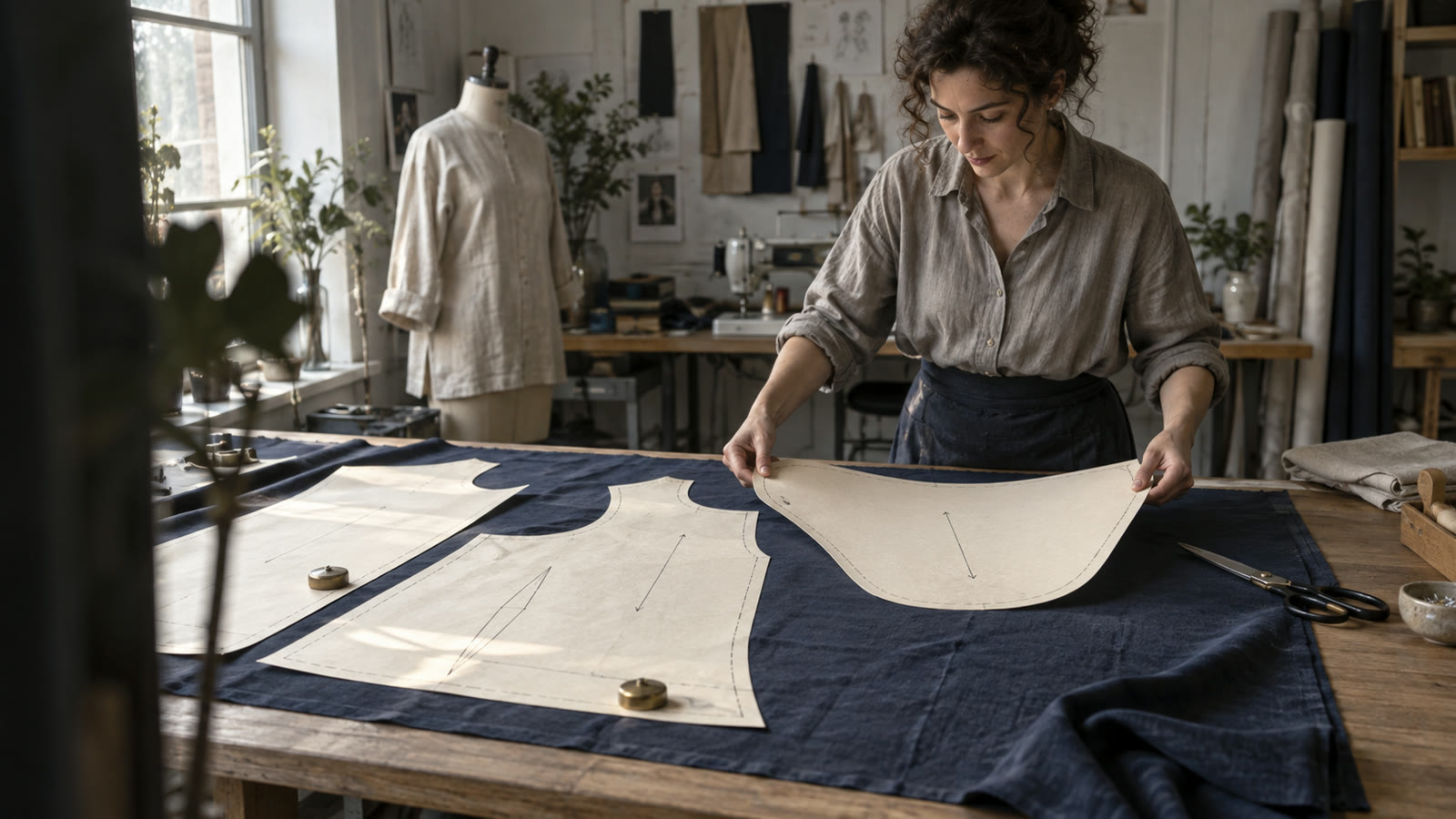
Import five example pieces, set fabric width and rotations, calculate the layout and export the PDF overview. Single layer · no audio.
Open MP4 videoOpen closed SVG or DXF outlines, or select a page from a supported vector PDF. Choose the contours you need, set quantities and add mirrored partners.
Enter fabric width and cutting distance. Set each piece’s orientation, choose a single layer or folded fabric, and add pattern-matching references when needed.
Check the arrangement and calculated fabric length, or test a length you already have. Export the layout as PDF, SVG or DXF.

Keep the imported angle with 0°/180° rotations, or only 0° for one-way placement. Add mirrored partners where your pattern calls for them. Set the direction for each piece yourself.
Plan on fabric folded lengthwise. Mark each cut-on-fold edge and place it on the fold. The layout accounts for both fabric layers and counts finished fabric pieces.
Set the fabric repeat and choose reference points on your pieces. Use these references to align motifs across the layout and check the matching before exporting.
Export the calculated plan as one full-size page for projector apps such as Pattern Projector: as wide as your fabric, with rulers and a 10 cm (4 in) test square for calibration. For projector files that keep sizes on PDF layers, you choose the size during import.
PatternNest works with supported closed outlines. PDF pages are imported individually; tiled pages are not stitched together automatically. You set grain direction, fold edges and matching references yourself. The app does not draft or fit patterns, add seam allowance, or automatically interpret internal notches, grain arrows and labels. Keep your original pattern for cutting and marking. The calculated length describes the generated layout, not a proven minimum or an allowance for shrinkage.
Unsure whether your pattern will import? Email the file format, PDF page type, finished cut count and fabric width. We can check a suitable example privately before you buy. Send a file only if you want to and have permission to share it. Ask about your pattern
Try the free version. A license extends it for larger jobs.
0 €
14 €
One-time purchase for version 1
End prices include applicable taxes. One-time purchase for version 1.
Yes, supported vector PDFs with usable closed outlines. Select the page and contours for your chosen size. Scanned images are not vector outlines, and tiled PDF pages are not stitched together automatically.
It uses the outlines you supply, including any seam allowance already drawn into them. It doesn't add or remove allowance. The exported layout doesn't reproduce internal notches, grainline arrows or labels, so keep your original pattern for cutting and marking.
Yes. Choose fabric folded lengthwise and mark the fold edge on each cut-on-fold piece. PatternNest places that edge on the fold and accounts for both layers. A cut-on-fold piece produces one unfolded fabric piece; a mirrored pair produces two separate pieces.
Yes. Stripes, checks and image repeats can use manually chosen references on your pieces. Set the repeat and the intended relationships, then review the result. PatternNest does not automatically recognize your sewing seams or choose matching points for you.
Count fabric pieces, including copies; a mirrored pair counts as two. Up to 10 pieces, layout calculation, export and print are free. Above that, calculating a new layout and exporting require a license.
Yes. Once cached, layout calculation and export run offline in your browser, and patterns aren't uploaded for processing. The full license covers v1 and v1 updates without a subscription. The checkout shows any applicable taxes in the total.
