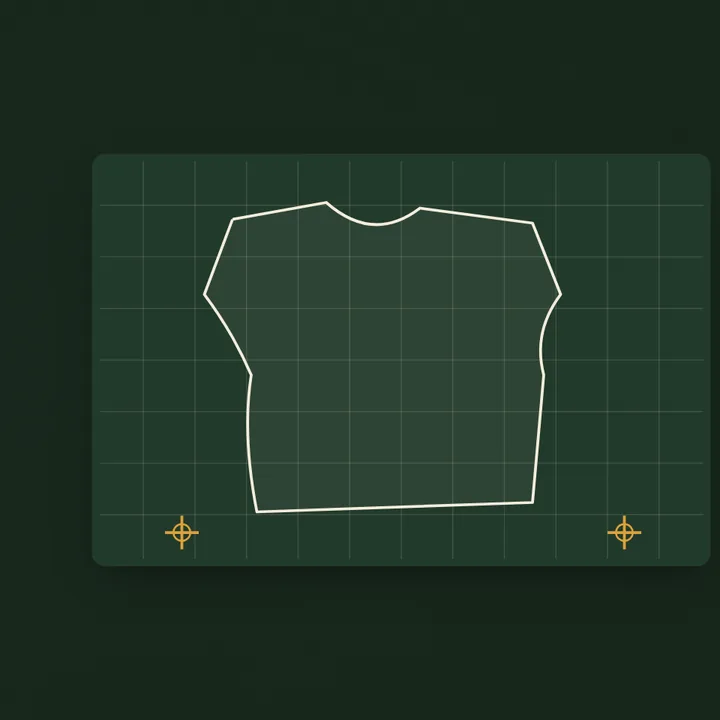
Tutorial 4 · 1:47
Fit the pattern to you
One size at the bust, another at the hip? With the add-on “Fit and sizes” you blend between sizes, add length and add room.
This video could not load.
Open video fileRecorded in the live app · with voice-over and captions
Transcript
Everything said in the video, chapter by chapter.
0:05What this is about
Your bust is one size, your hips another? With the Fit and sizes add-on, you blend between them.
0:12Import the size closest to you
Import the size closest to you. The test squares aren't pieces, so untick them.
0:35Open “Fit and sizes”
On the front, open Fit and sizes. The thin lines are the other sizes in your file.
0:43Blend sizes at bust, waist, hip
Pick a size at each level: bust thirty-eight, waist forty, hip forty-two. In between, the line runs smoothly, the way you'd draw it on paper.
1:00Lengthen or shorten
Need it longer? Add a line, and lengthen it by three centimetres.
1:11Add width where you need it
More room at the hip? Type how much, all around. PatternNest shares it out over the side seams.
1:18Apply to front and back
Apply. The back changes with the front, so your seams still match.
1:25Calculate the layout
Your fitted pieces go straight into the cutting plan, and into the projector PDF.
1:36Recap
Blend, lengthen, add room, apply. Fit and sizes is an add-on in PatternNest. Try PatternNest free, up to ten pieces.